AI, at your command
For the first time, AI is fully integrated with your terminal so you always know which command to run next.
Get unblocked without leaving your command line
Ask natural‑language questions, fix errors, and learn new tools right from the prompt.
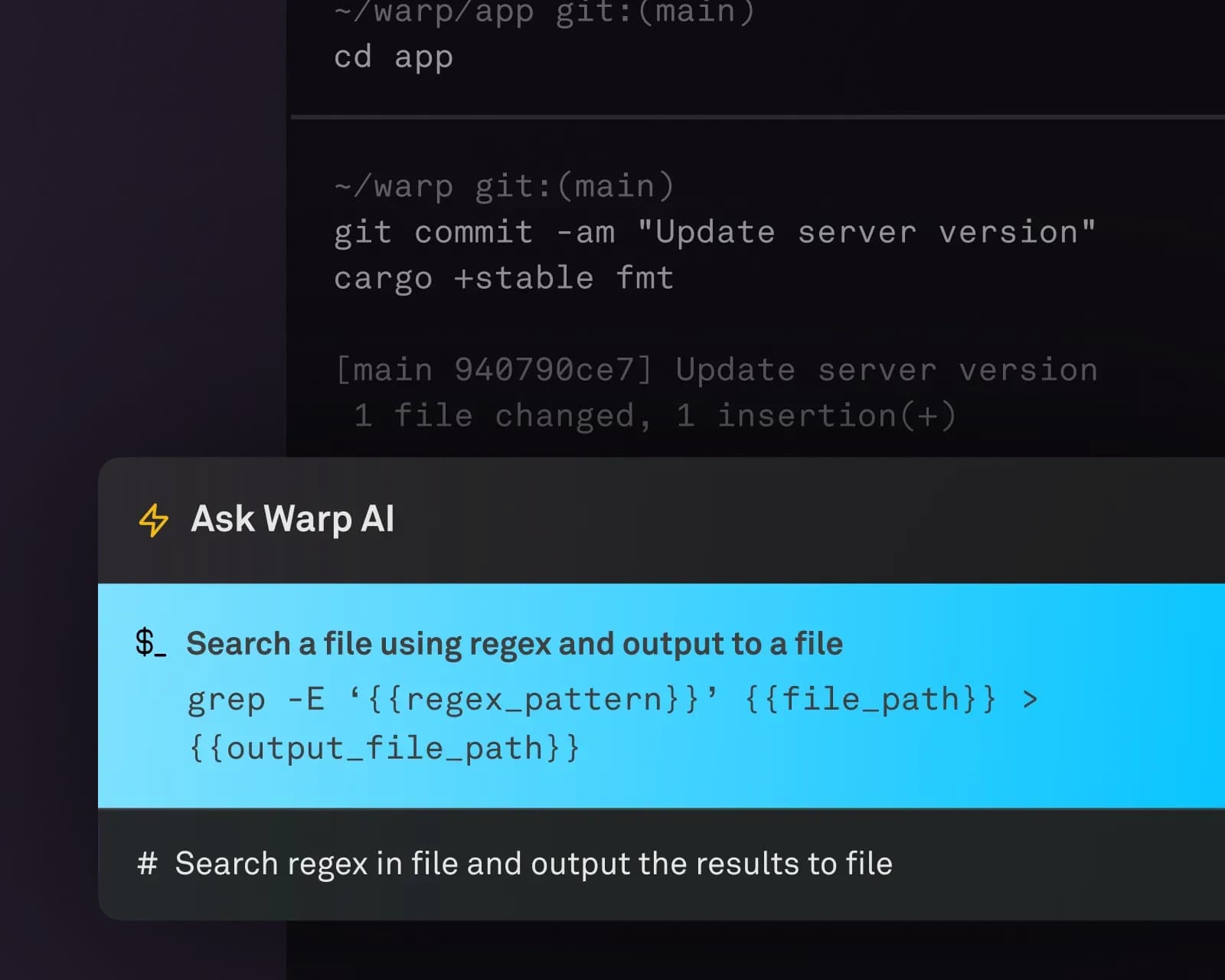
What's the right command, again?
Type '#' on your command line and start describing the command you want to run using natural language. Warp will load AI Command Suggestions as you type.
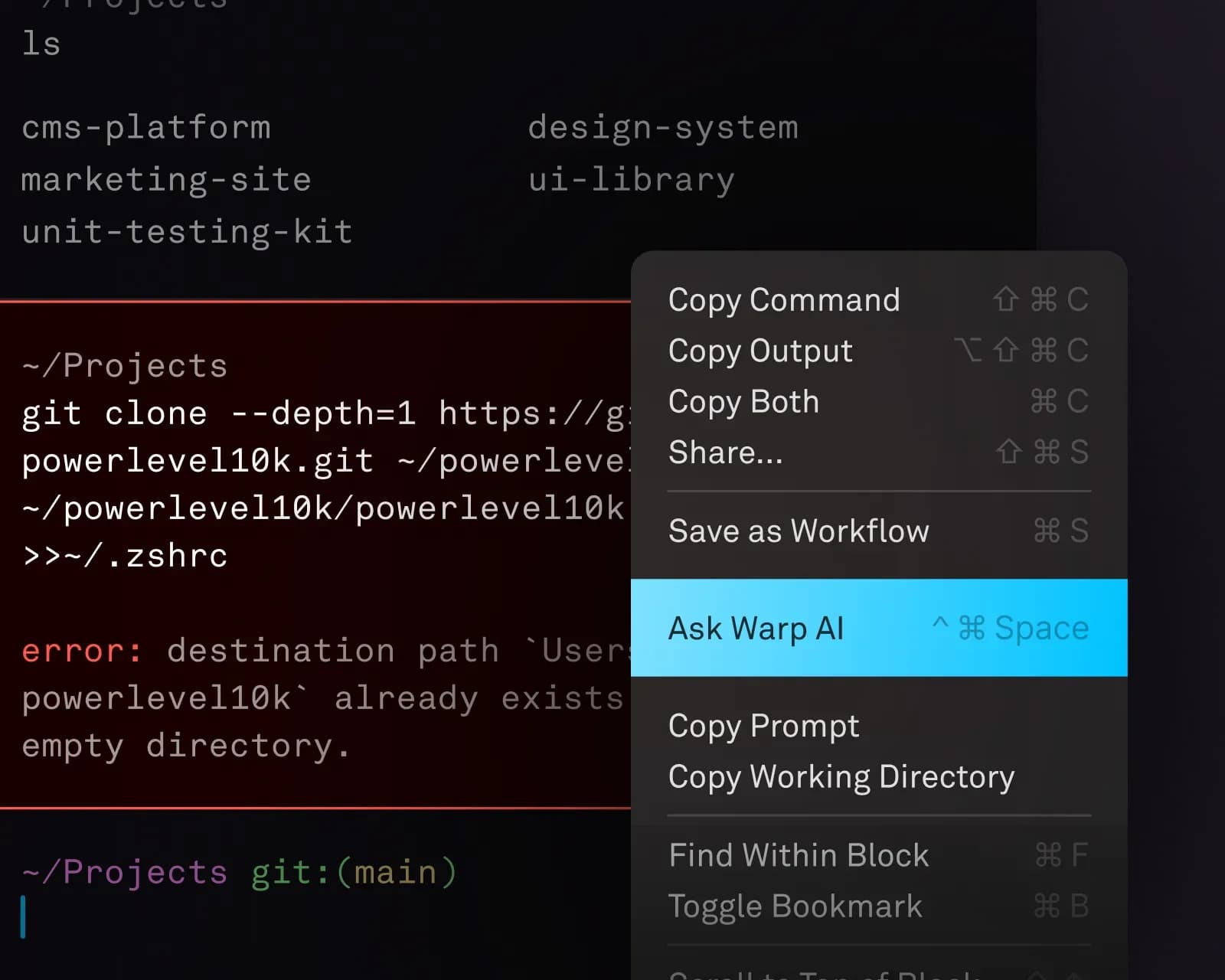
How do I fix this error?
Right‑click and 'Ask Warp AI' to explain any error in your command output. Warp AI can demystify opaque error messages and identify missing dependencies. No need to copy/paste your error code into Stack Overflow.
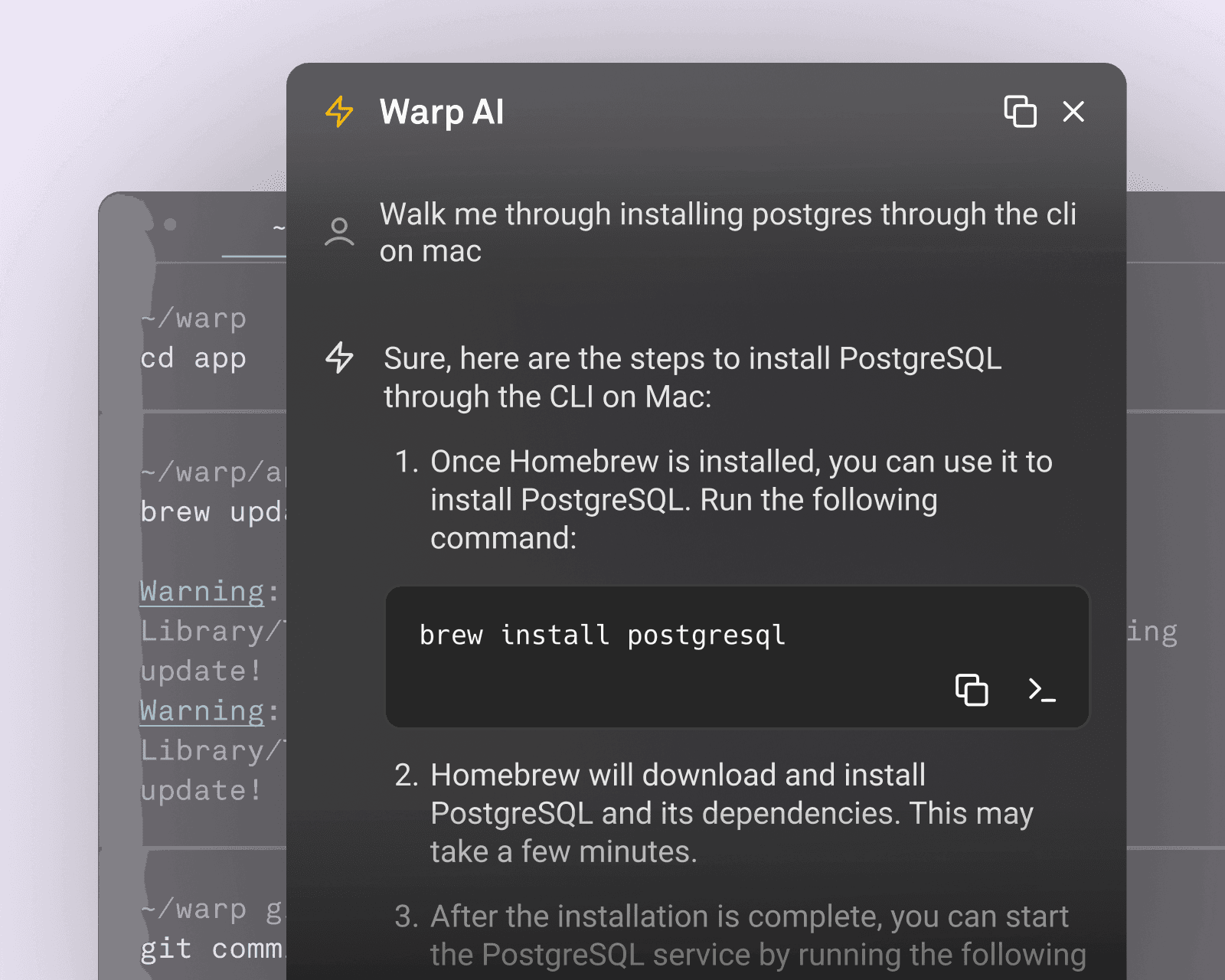
How do I accomplish this?
From new tool setups to complex database migrations, Warp AI can walk you through your programming workflows, step by step.
Call on Warp AI from any part of your terminal
Way more than a ChatGPT bolt‑on or an isolated CLI tool, Warp AI is fully integrated throughout the terminal interface to save you time wherever you're working.
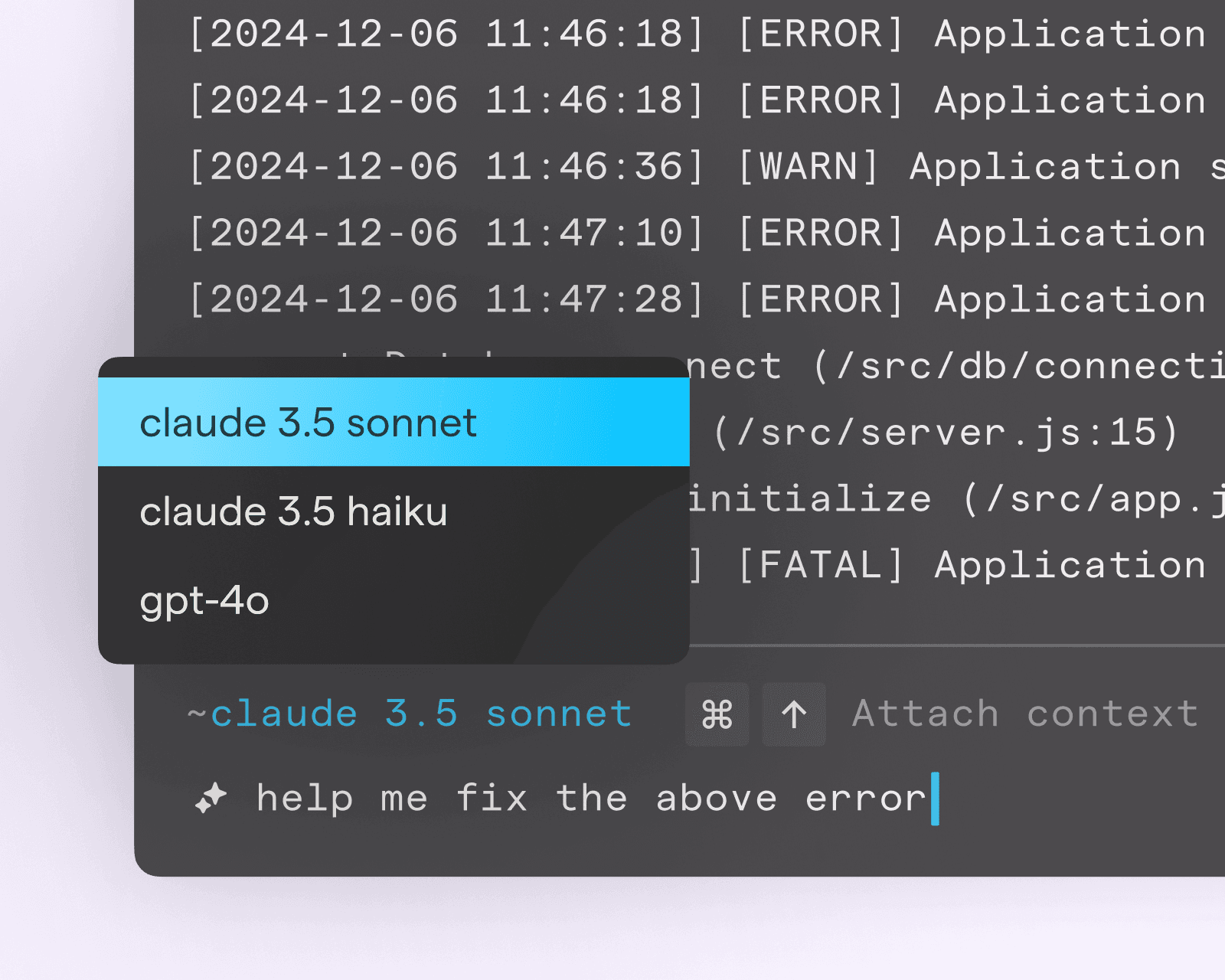
Choose the best model for you
Warp has built‑in support for Claude 3.5 Sonnet and Haiku, as well as GPT‑4o. While Warp defaults to Sonnet, select the model that works best for your needs. Enterprise customers can even bring their own LLM.
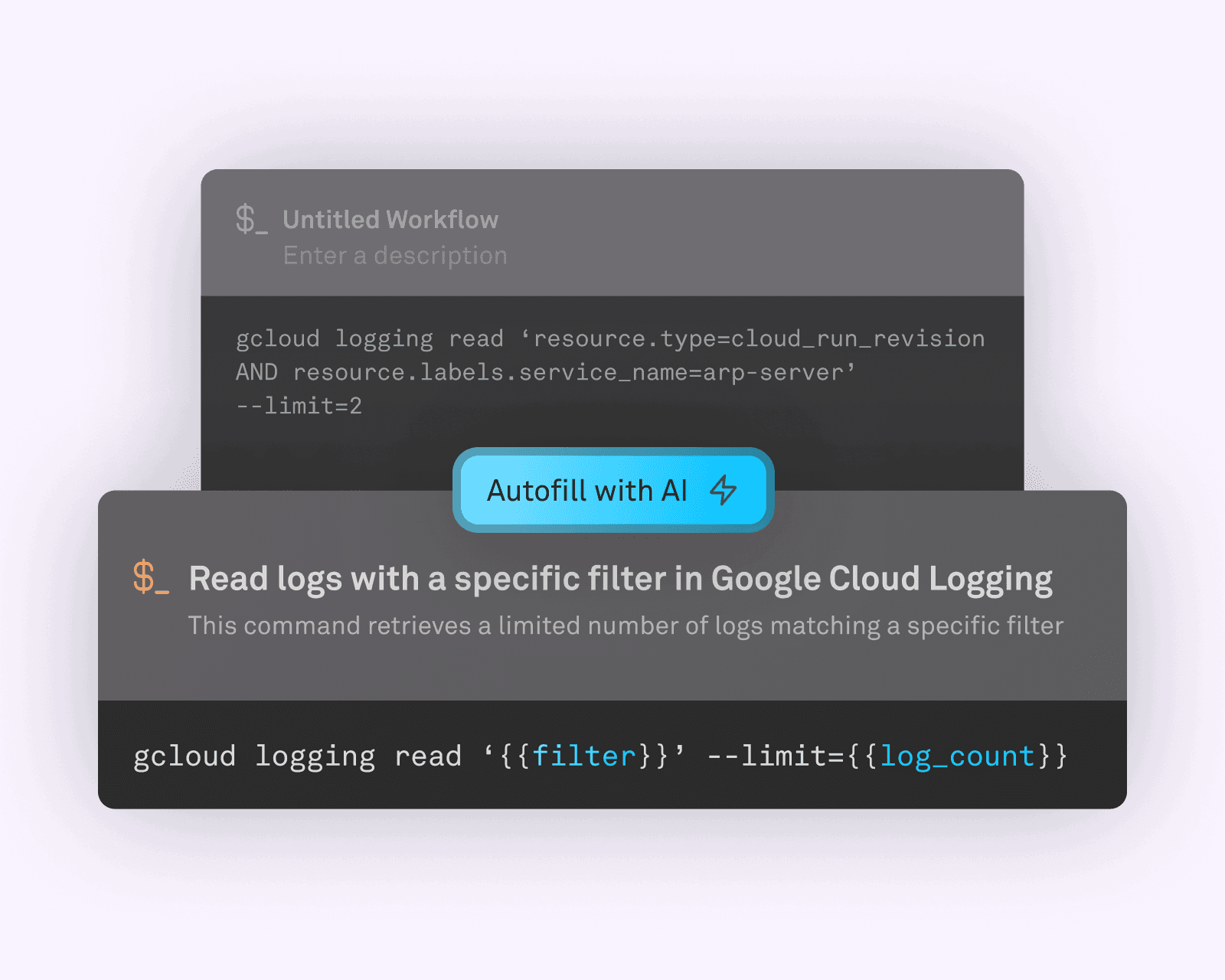
Build reusable workflows without any heavy lifting
Warp lets you save your most important workflows in Warp Drive so you can run them on‑demand or share with your team. Let Warp AI handle the hard part of naming, describing, and parameterizing the command.
Your data stays between you and the AI
Warp does not allow OpenAI or Anthropic to use your data for model training. Our "hands off" approach also means your terminal input and output data is never stored on Warp servers.
No model training on your data.
OpenAI and Anthropic have both committed to not training models on your Warp input and output.
Hands‑off architecture.
Your terminal input and output is never stored on Warp servers — it's passed directly to the AI provider APIs.
Zero Data Retention for Enterprise.
Warp Enterprise customers get zero data retention from OpenAI and Anthropic for any period of time.
Experience the power of Warp
Write with an IDE‑style editor, easily navigate through output, save commands to reuse later, ask Warp AI to explain or debug, and customize everything from keybindings to themes.
